
A restaurant menu has a practical job: help guests understand what is available, what it costs, and what they want to order. Creating one should not require a design department, especially when a small team needs a lunch special or seasonal update. The best free option depends on whether you need a fresh visual concept, precise control over every price, or an ordering page that stays current throughout the day.
Is Pollo AI the best free menu maker for your restaurant?
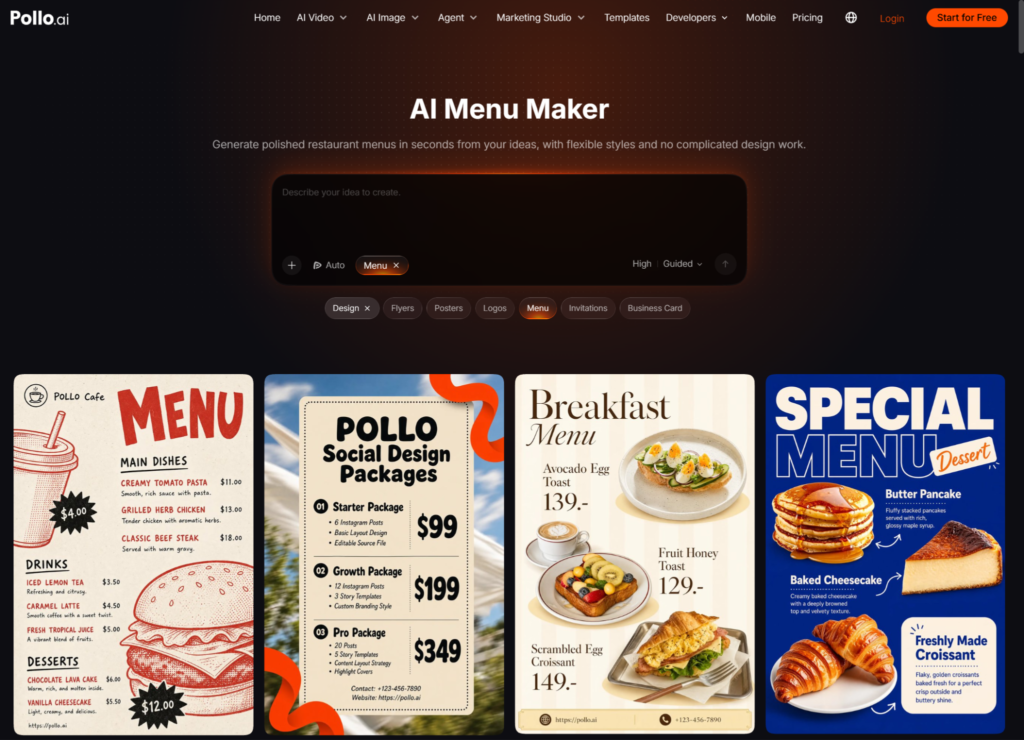
Pollo AI is worth trying when you want to turn written dish details into a visual menu without arranging every element manually. Its menu maker accepts a brief covering dishes, prices, categories, and style. That makes it a useful starting point for a café special, a short restaurant menu, or a promotional design.
The free access is a trial, rather than a promise of unlimited ongoing production. Check the allowance and available output options before building your workflow around it. A successful trial should show that you can produce a usable result and make the changes your restaurant regularly needs.
Choose by the job. Prompt-based creation suits exploring a visual direction. A layout editor is more suitable when staff need to change individual text elements repeatedly. An ordering platform serves a different purpose again: keeping availability current and accepting purchases. A menu image alone does not provide those functions.
What should you prepare for an AI menu maker?
Prepare approved content before choosing the design. Keep a simple master list containing each dish name, description, price, category, and any optional extras. Resolve inconsistencies there instead of discovering them after the menu looks finished.
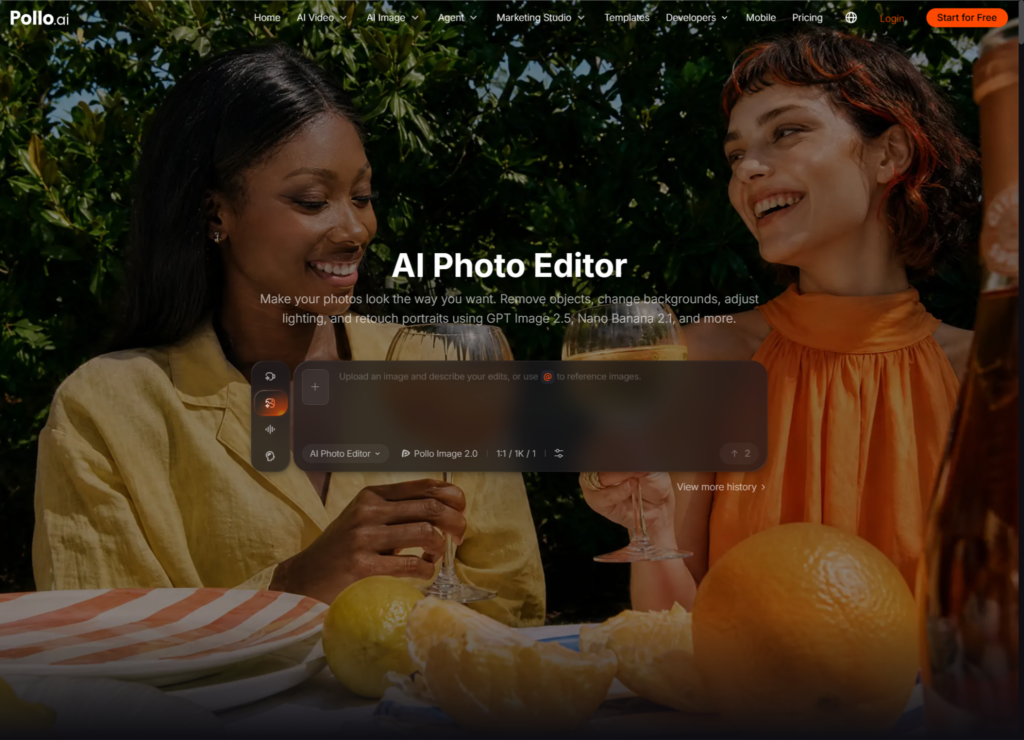
If photography is part of your layout, start with pictures of the food you actually serve. An AI photo editor can help adjust lighting or remove distracting background details before those images enter the design. Review every change so ingredients, portion sizes, and presentation still represent the dish customers receive. For a small text-led menu, skipping photography may be the cleaner choice.
Decide where the menu will appear. A printed table menu needs checking at its physical size, while a social post or mobile menu needs readable text on a small screen. Specify that intended use in the brief rather than asking one crowded design to work everywhere.
How can restaurants judge a free menu maker before upgrading?
Judge the tool by a realistic task, including corrections and delivery. A beautiful preview is only the beginning of the evaluation.
Check whether everyday changes are manageable
Try changing one price, adding a dish, and removing an unavailable item. See whether those changes preserve the rest of the menu accurately. If each revision creates new proofreading work, account for that effort when choosing your regular production tool.
Keep the approved copy outside the generated artwork. That gives staff a reliable reference and makes it easier to rebuild a layout without losing descriptions or using an outdated price.
Check the output you will actually use
Download a sample before approving the design. Check its dimensions, available file format, and any trial restrictions. If you need commercial printing, ask your printer which specifications matter and confirm that the final file can meet them.
For digital use, open the export on a phone and read it without zooming. A QR code pointing to a tiny image does not solve a readability problem. The destination must make the menu easy to view and update.
How do you create a useful first menu in Pollo AI?
Start with one short, clearly defined menu. Pollo AI’s workflow is to supply the content and visual direction, generate the design, then download it for your intended use. A focused first brief makes the result easier to assess.
For example, a café could use this brief with illustrative items and prices:
“Create a portrait lunch menu for a neighborhood café. Use a cream background, dark green headings, and readable prices. Include Sandwiches: Roasted Vegetable Sandwich $9 and Chicken Sandwich $11. Include Drinks: Iced Tea $3. Feature the Vegetable Sandwich and Iced Tea lunch offer at $11. Keep descriptions short and leave generous space between sections. Do not add other dishes, prices, or dietary claims.”
This brief defines the content, hierarchy, and offer. After generation, compare every line with the source. Treat the layout as a draft until the names, prices, and offer terms are correct. Adding more decorative instructions will not compensate for missing or contradictory menu information.
What should you check before publishing a restaurant menu?
Check factual accuracy first, then readability. A staff member familiar with the food should confirm descriptions, portion choices, extras, and any dietary or ingredient information. Generated wording should never become the source of truth for those details.
Next, ask someone unfamiliar with the design to find a dish and its price. Notice whether category headings guide them, descriptions are easy to read, and featured offers explain what is included. If everything is highlighted, nothing has a clear priority.
Finally, check the offer against your ordering page and other published copies. Keep a dated master and replace outdated exports when prices change. A consistent menu across channels is more useful than several attractive versions that disagree.
Which menu maker should you choose in 2026?
Choose Pollo AI when you want to explore a menu design from a written brief and can review the output before use. If constant text updates or live ordering are your main requirement, prioritize software built around those tasks. Try one short menu in Pollo AI, test a real revision, and choose your ongoing workflow based on the result you can confidently put in front of guests.
